Project
Geysital
Smart Geyser Control App
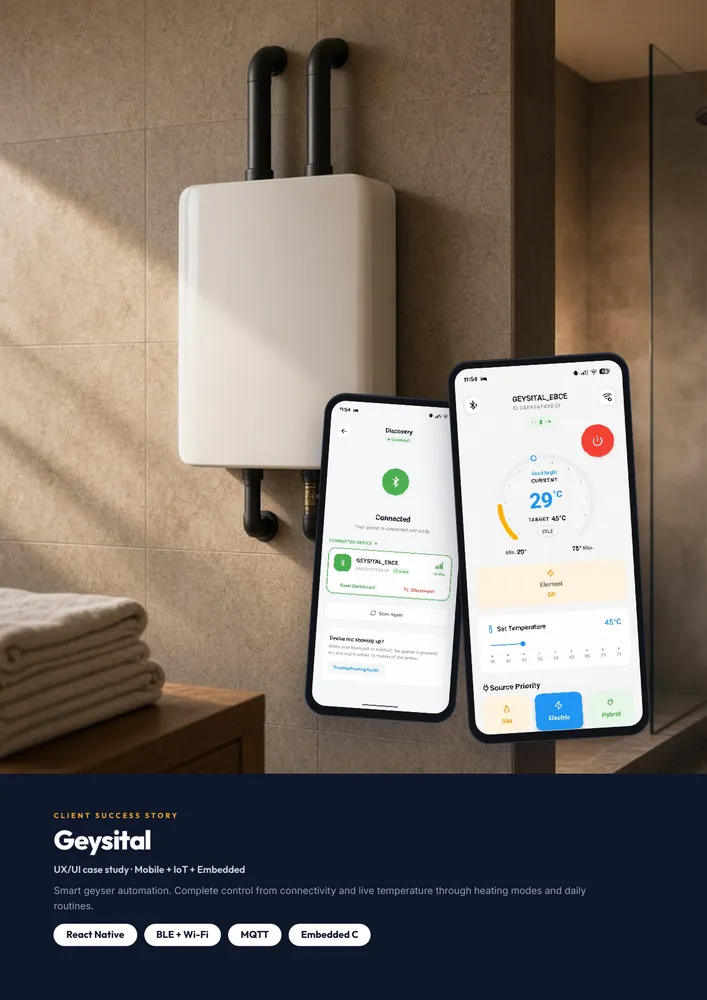
Smart geyser automation: a React Native app that controls a connected water heater over Bluetooth or Wi-Fi — live and target temperature, power, gas / electric / hybrid source priority and daily heating routines — backed by Node.js, MQTT and Embedded C firmware.
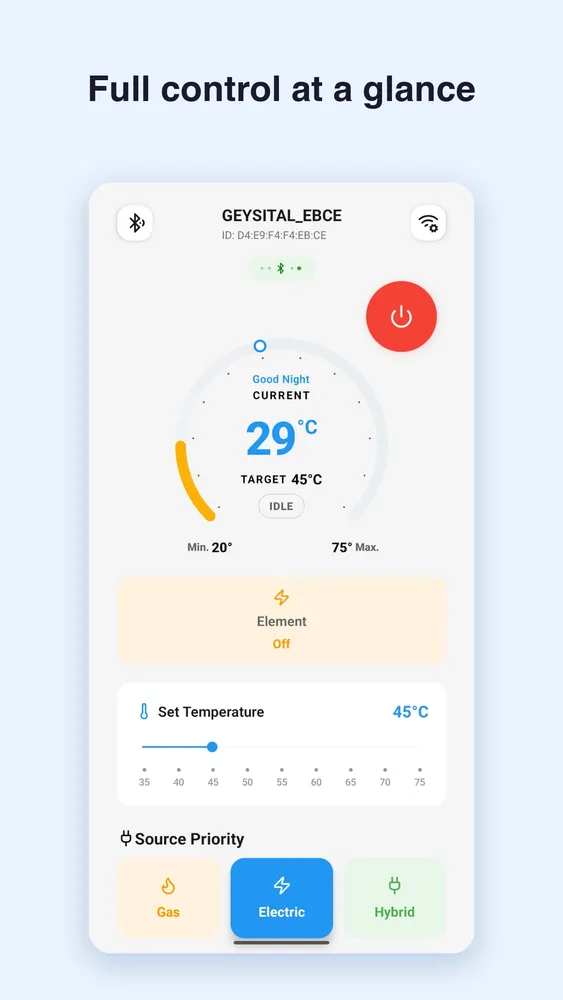
Geysital control screen: full control at a glance
My role
Senior Full-Stack Developer
Stack
7 technologies
Built with
01 — Overview
What it is
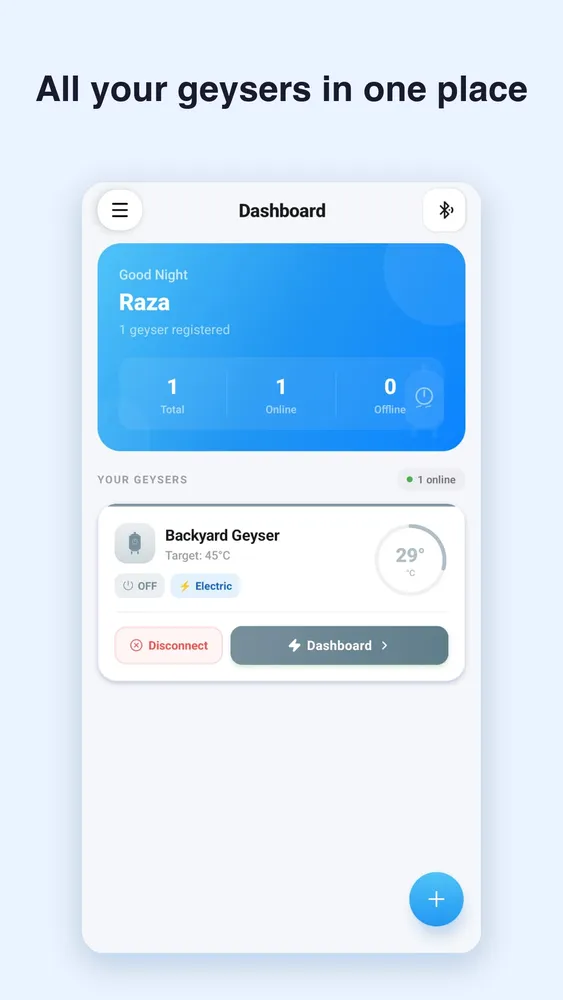
Geysital is a smart geyser automation system that modernizes traditional water heating by giving users complete control through a mobile app. The app connects to the geyser so people can monitor, control and automate heating without standing at the appliance.
Core capabilities cover power, live temperature, target and range, gas / electric / hybrid source selection, source priority, routines, and dual connectivity over Bluetooth Low Energy and Wi-Fi.
02 — Problem
What was missing
Traditional geysers need manual operation and give little visibility into the heating process. Users walk to the appliance, check the water temperature by hand, and decide when to stop heating — inconvenient, and it can waste energy.
- Manual ON/OFF at the appliance
- No live temperature on a phone
- Limited target temperature control
- Hard to choose Gas, Electric or Hybrid
- No routines around daily use
- Little feedback on device state
03 — Approach
How I approached it
- 01MonitorLive temperature, power, heating and connection status first.
- 02ControlOne-tap ON/OFF and a visible target temperature slider.
- 03ConfigureGas, Electric or Hybrid, plus source priority and safe bounds.
- 04AutomateRoutines that heat around the day instead of every manual tap.
04 — Build
How it’s built
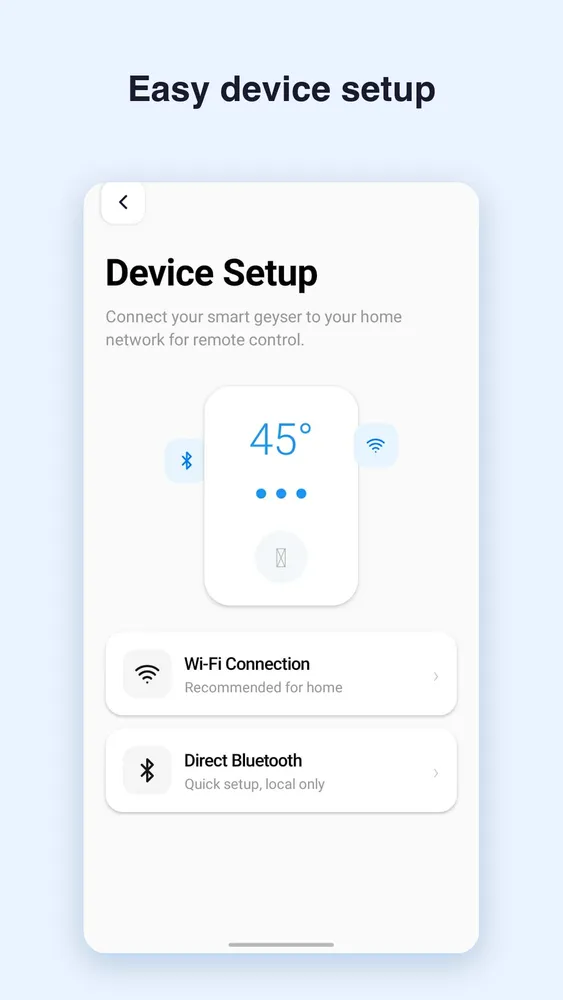
Two complementary paths sit under the same app. Bluetooth is nearby and local; Wi-Fi carries the IoT path through the backend and MQTT. Both meet in Embedded C firmware on the geyser.
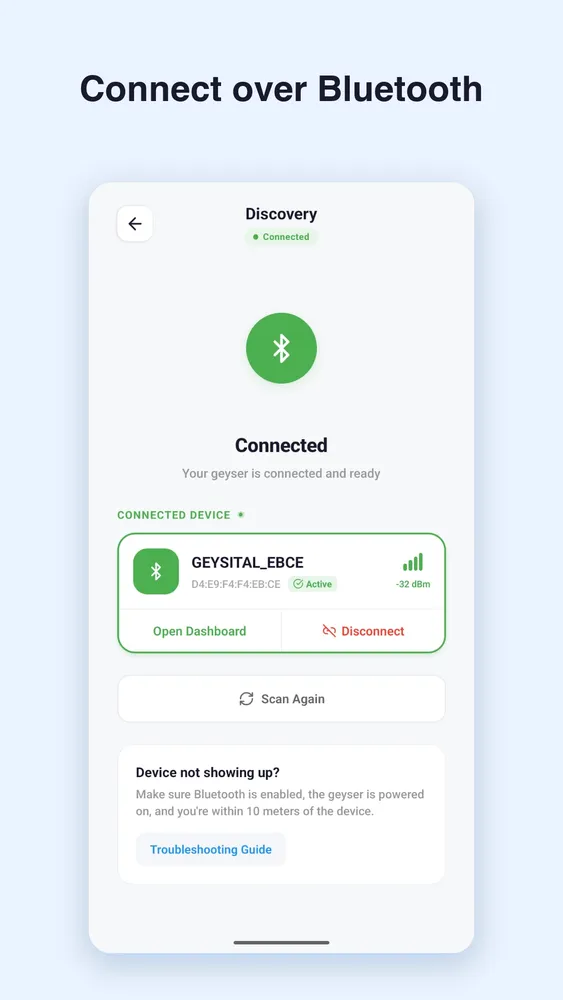
App → BLE → Geysital device- • Scan and pair
- • Device name, ID and signal strength
- • Open the dashboard without the backend
App → Backend → MQTT → Device- • Remote-oriented control
- • Node.js + Express APIs and device services
- • Lightweight MQTT messaging to the device
05 — Impact
Results & impact
- 1Turned a manual appliance into a connected one: users switch the geyser on and off from their phone with live connection status.
- 2Made heating visible — the current temperature sits next to the target (e.g. 29°C live vs a 45°C target), inside a safe 20–75°C range.
- 3Put energy choice in the user's hands with gas, electric and hybrid modes plus source priority.
- 4Added daily routines, e.g. 50°C electric at 6 AM, 45°C on gas at 7 PM, standby at 10 PM.
- 5Designed dual connectivity: nearby control over Bluetooth, and remote control over Wi-Fi through a Node.js + Express backend and MQTT.
- 6Made pairing clear: add by ID, scan, and helpful empty states instead of silent failures.